
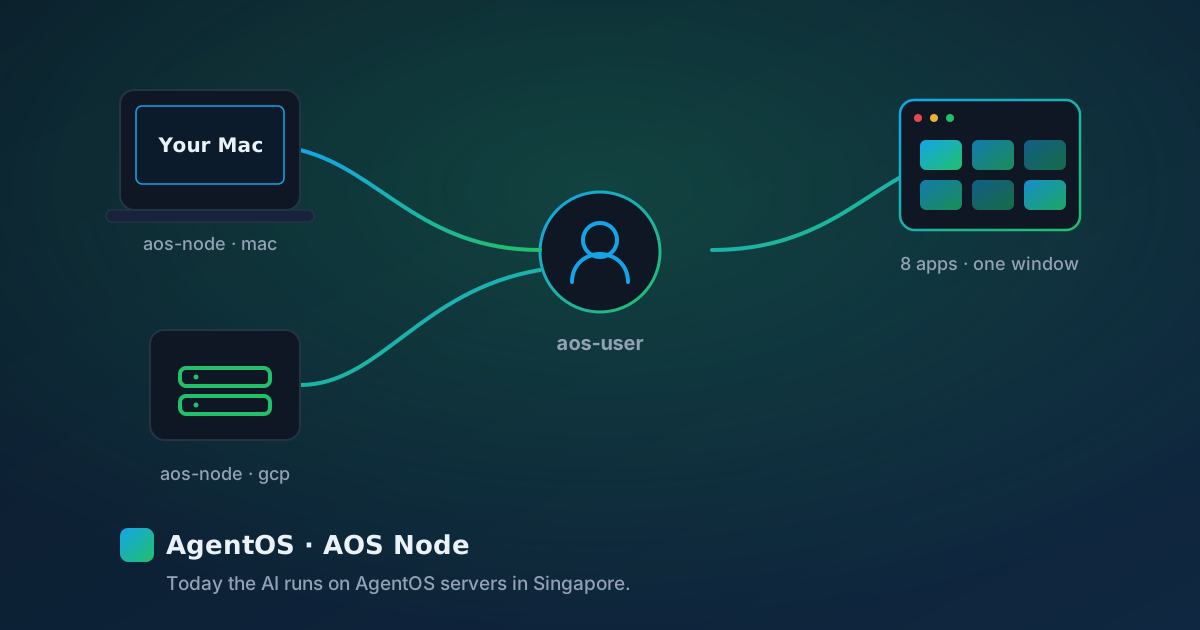
AgentOS is built around a simple idea: the machine that runs the AI should be a machine someone registers, names and can revoke. That machine is called an AOS Node. Today there is one live node — AgentOS's own Node #1, in Singapore — and this post explains what a node is, how it relates to your account, and what registering your own machine means.
An AOS Node, defined
An AOS Node is a compute machine registered so AgentOS can route AI work to it. Each node has a name, a platform (mac or gcp), a status, and its own credential used to authenticate to the AgentOS API. The node serving every request right now is Node #1: a Google Cloud Run service with one NVIDIA L4 GPU — a card NVIDIA specifies with 24 GB of GPU memory — in region asia-southeast1, listed by Google as Singapore and as an L4 GPU region for Cloud Run. It runs the model qwen2.5:14b — the only live model. A node you register yourself would be your Mac, or your own cloud instance such as a GCP instance you connect.
aos-user vs aos-node
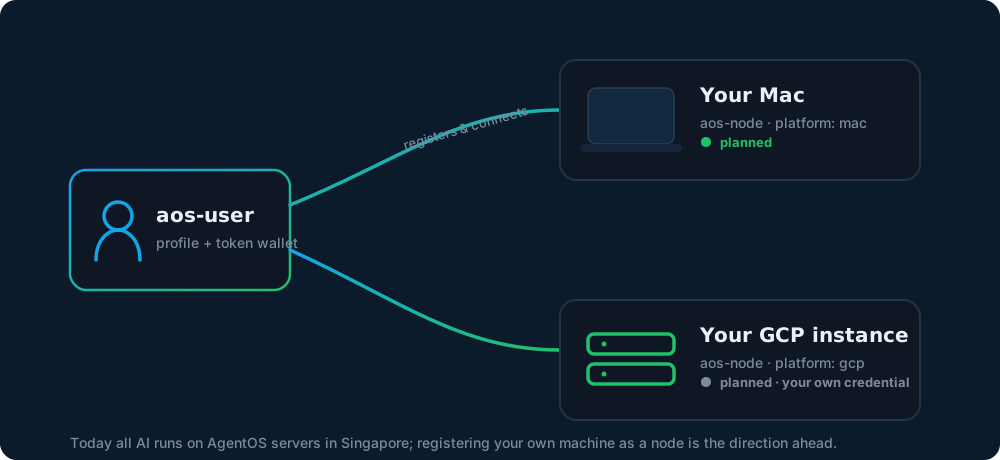
AgentOS has two distinct account concepts. Keeping them separate is what makes "connect your own compute" work cleanly:
| Aspect | aos-user | aos-node |
|---|---|---|
| What it is | A person using AgentOS | A machine that runs AI compute |
| Holds | Profile + token wallet | Name, platform, status, credential |
| Signs in via | Email OTP (Bearer auth) | Its own node credential |
| Owns | One or more nodes | Belongs to one aos-user |
The node lifecycle
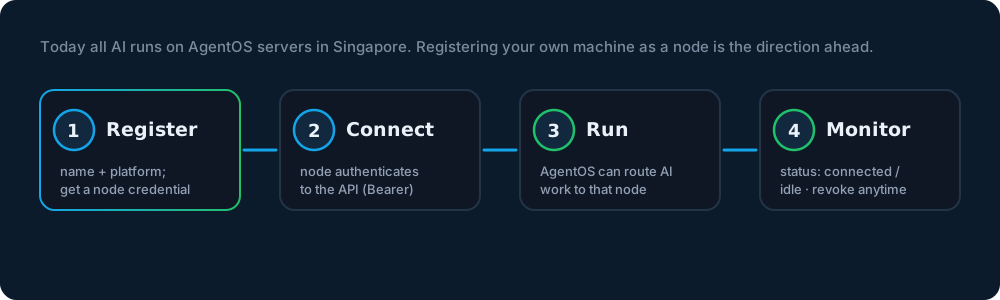
Every node follows the same path, Node #1 included: it is registered, it connects and authenticates, AgentOS routes AI to it, and its owner can watch its status or revoke it at any time.
Why the node model matters
Naming the compute is what makes the data path checkable. Whichever node answers, the local-first half of the promise holds: your files stay on your machine. AgentOS extracts the text on your machine and sends your question with an excerpt capped at 16,000 characters; the original file never leaves — our local-first explainer walks through that path. Today that request goes to AgentOS's Node #1 in Singapore, and we would rather name the box than let you assume it is your own.
| Aspect | Node #1 (AgentOS) | A node you register |
|---|---|---|
| Owner | AgentOS | You, as an aos-user |
| Hardware | Google Cloud Run, 1× NVIDIA L4 (24 GB) | Your Mac or your own GCP instance |
| Platform / location | Google Cloud, asia-southeast1 (Singapore) | Platform mac or gcp, on your own machine |
| Serves your AI today? | Yes — every request | Not yet — product direction |
Being honest about today's build: the desktop app calls exactly one AI address, and it resolves to Node #1 on AgentOS servers in Singapore. Registering and connecting your own nodes — your Mac, or a GCP instance you own — is the account model AgentOS is designed around. Treat it as the product direction, not as what runs your AI right now.
Registering a node
An aos-user registers a node from the footer link "Register an AOS Node", which opens the AOS Node page. There you give the node a name and choose its platform. Registration is how the account model is built; it does not move your AI off Node #1 today.