
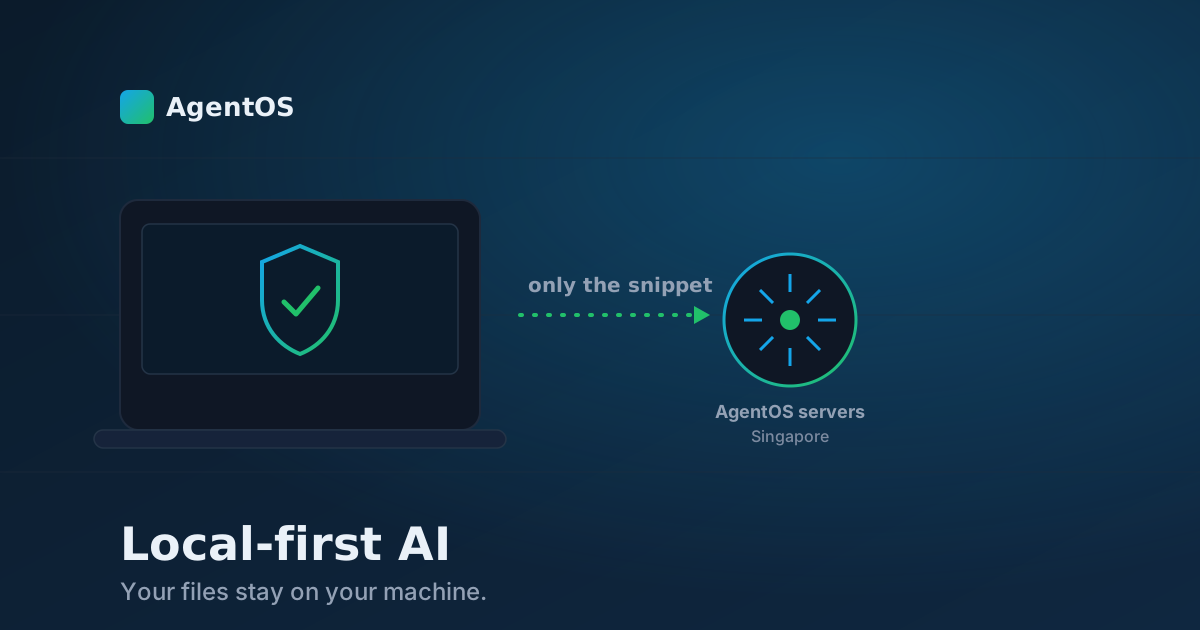
Most AI tools ask you to upload your data to their cloud before they can help you. AgentOS takes the opposite stance: your files stay on your machine, and only the one snippet you actually ask about ever leaves — for a single request, and it is designed not to be kept.
What “local-first” means here
Local-first means the source of truth lives on your own device, not on a server you don't control. The term comes from the 2019 Ink & Switch essay Local-first software, which proposes treating the copy of the data on your own laptop or phone as the primary copy, with servers holding only secondary copies. In AgentOS your documents, the search index built from them, your chat history and every app's data are all kept locally. The AI is something you point at that data when you ask a question — it does not get a standing copy of everything.
What leaves, and what stays
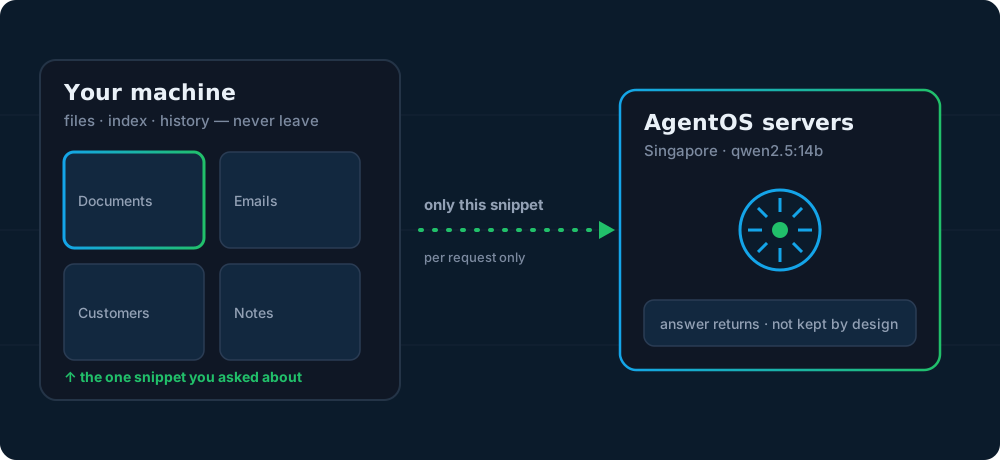
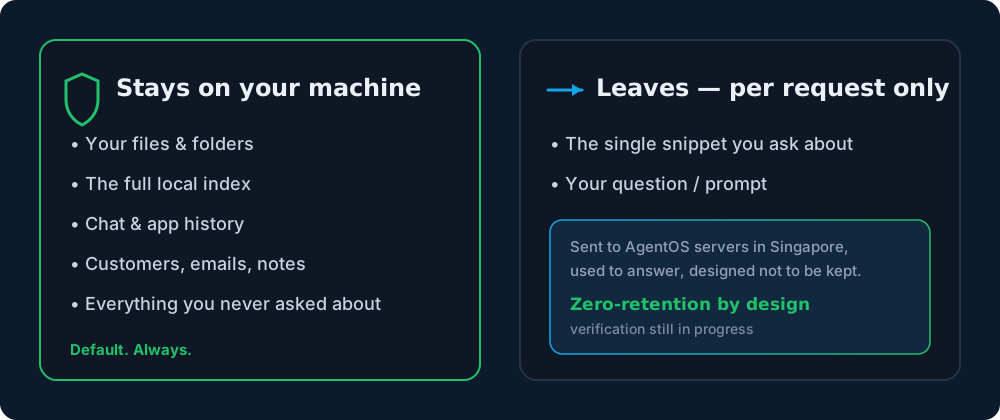
The distinction that matters for privacy is not "online vs offline" — it is what actually travels. AgentOS is built so that the bulk of your data never moves, and the small part that does move is scoped to the question in front of you: your question plus one text excerpt of at most 16,000 characters.
Local-first vs cloud-first AI
Here is the practical difference between the usual "upload everything" model and the local-first model AgentOS uses:
| Aspect | Typical cloud AI | AgentOS (local-first) |
|---|---|---|
| Where your files live | Uploaded to a provider's cloud | On your own machine |
| What is sent per request | Often whole documents or your library | Your question plus one text excerpt, capped at 16,000 characters |
| Retention | Varies; may be stored or used for training | Designed not to be kept after the answer |
| Where the AI runs | The provider's shared cloud | AgentOS servers in Singapore |
Where the AI runs — AgentOS servers in Singapore
Local-first describes your data, not the GPU. The AI itself runs on AgentOS servers in Singapore: Node #1, a Google Cloud Run service with one NVIDIA L4 GPU — Google lists the L4 with 24 GB of GPU memory — in region asia-southeast1, which Google's Cloud Run locations page names as Singapore. It runs the model qwen2.5:14b — the only live model today. The desktop app calls exactly one AI address, and that is it.
| Node #1 | Today |
|---|---|
| Model | qwen2.5:14b (one live model) |
| GPU | 1× NVIDIA L4, 24 GB GPU memory |
| Platform | Google Cloud Run |
| Region | asia-southeast1 (Singapore) |
| Text sent per request | Your question + one excerpt, max 16,000 characters |
What travels there is narrow and deliberate. AgentOS opens and reads your document on your machine, extracts the text, and sends your question together with an excerpt capped at 16,000 characters. The original file never leaves. Your library, your index, your history and every other app's data stay where they are.
What about connecting your own machine? That is the AOS Node programme — registering a Mac or a GCP instance you own as the compute that serves your requests. It is the direction AgentOS is built around, and the AOS Node page is where it starts — but it is not what answers your questions today. Today, every request goes to Node #1 in Singapore. Our explainer What is an AOS Node? covers how nodes and accounts fit together.
Why this matters
Keeping data local is not only about privacy — though it is a strong privacy position. It also means you are not handing a permanent copy of your business to a third party, you are not dependent on their retention policy, and the answer you get is grounded in your files rather than a stale upload. Local-first is a default we think most people would choose if it were offered plainly. In AgentOS, it is the default — and you can download the desktop app to see the data path for yourself.